← Back to work
Protected work · NDA

Enter the password to continue.

This case study is under NDA. Have a password? You’re one field away — otherwise request access and I’ll send one over.

← All work
Product Design · Proposal

CVS Health

Client
CVS Health (TCS Interactive)
Role
Product Designer
Scope
PBM platform · Vision & UX
Year
2024
The Brief

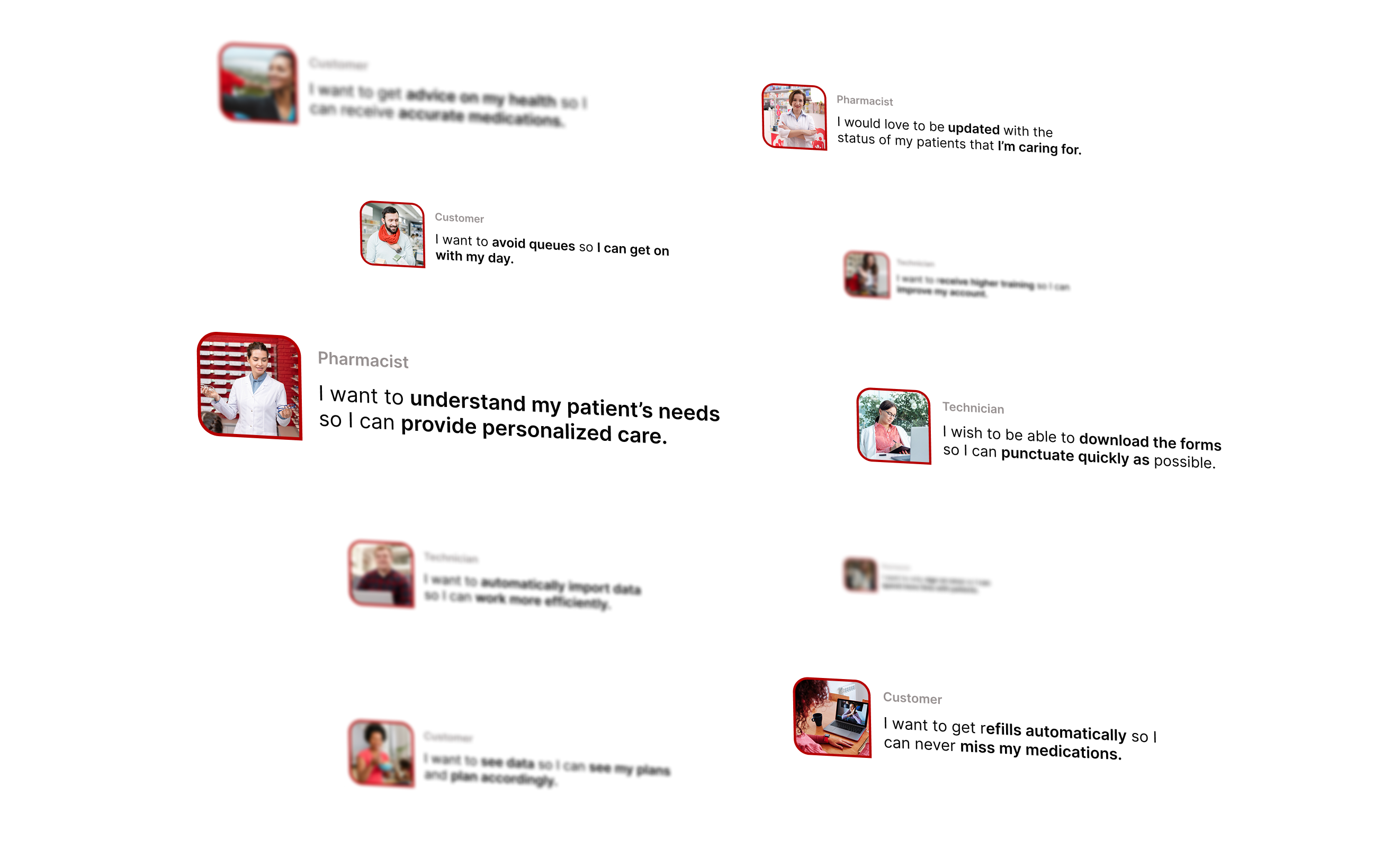
Reimagine how CVS's pharmacy benefit management tools work for the people who use them every day: pharmacists, technicians, and patients. And set a vision for the platform's next decade.

My Role

As product designer on the proposal, I worked from research through vision and into screen-level design: defining the concepts the transformation is built on, then proving them through a refreshed set of core PBM workflows.

The Vision

One CVS.Many experiences.

Four concepts

The vision for CVS's PBM transformation is built on the concepts of Connected Ecosystem, Client Enablement, Future Proofing, and Unbundling.

01

Connected Ecosystem

02

Client Enablement

03

Future Proofing

04

Unbundling

The Output

From vision to working screens

Three principles, applied to the PBM workflows pharmacists and technicians touch most: refresh the screen, guide the user, and streamline the actions.

Screen Refresh

A single screen, built from two systems

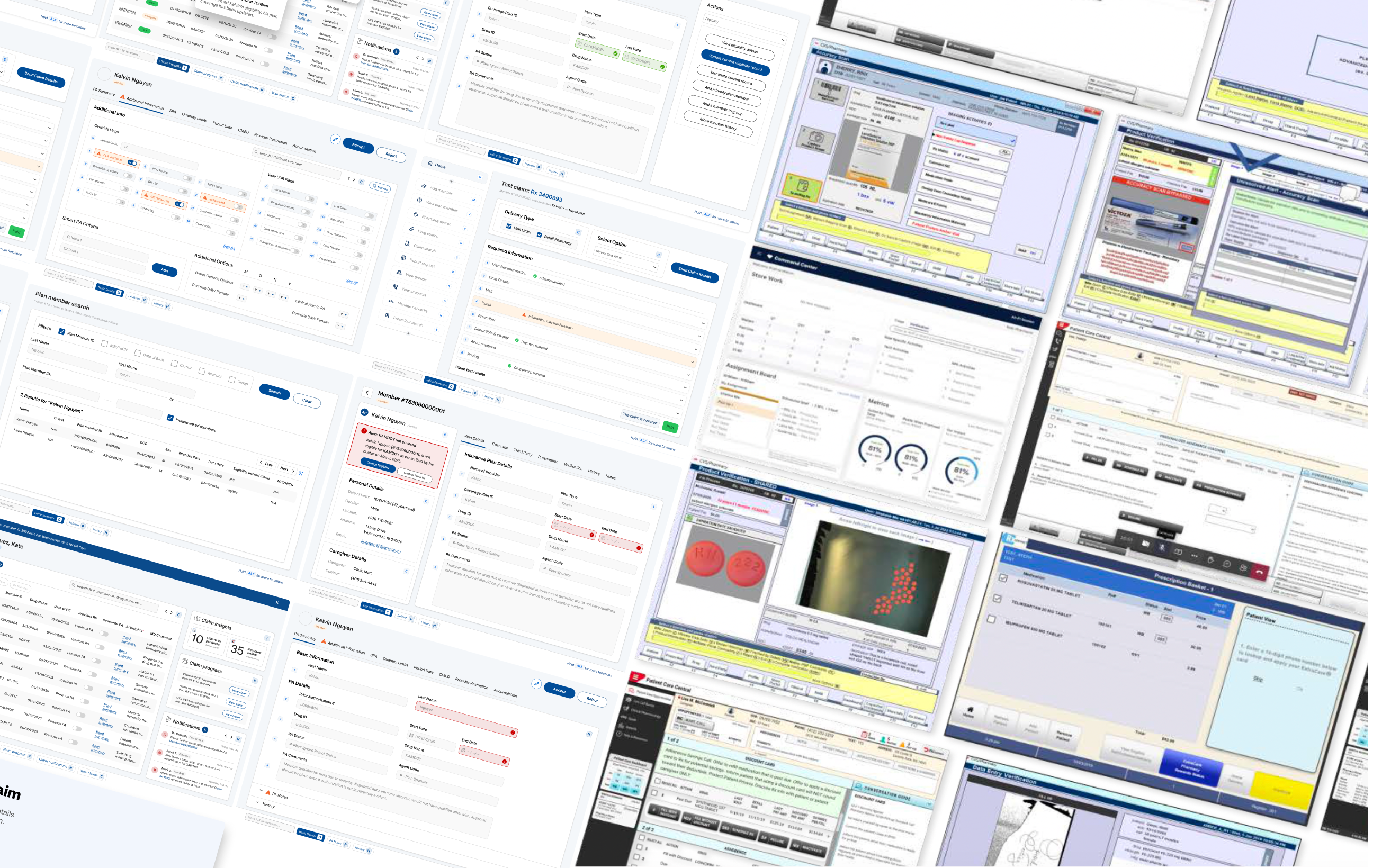
The screen we designed took elements from both MyPBM and RxClaim that we knew would make an integral improvement in usage for pharmacists, technicians, and patients.
Refreshed member screen
Member detail: MyPBM and RxClaim, unified
Guided User Experience

Smarter support, exactly where it's needed

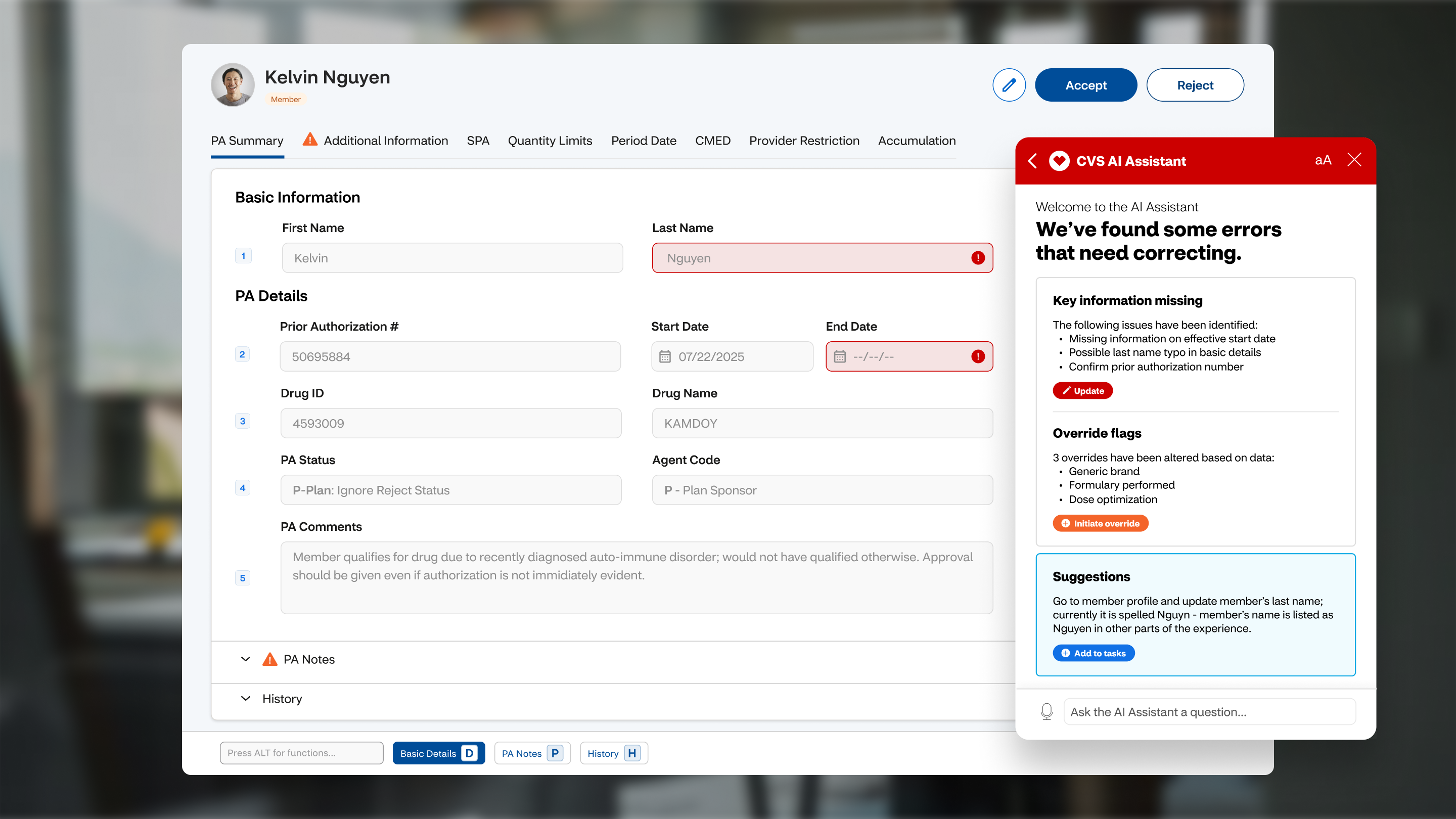
A modern and intuitive user experience powered by best in class design practices and AI driven prompts and insights. Each page includes contextual guidance, delivering smarter support exactly when and where users need it.
PA Summary with the CVS AI Assistant
PA Summary with the CVS AI Assistant flagging errors
Streamlined Common Actions

Fewer steps, clearer hierarchy

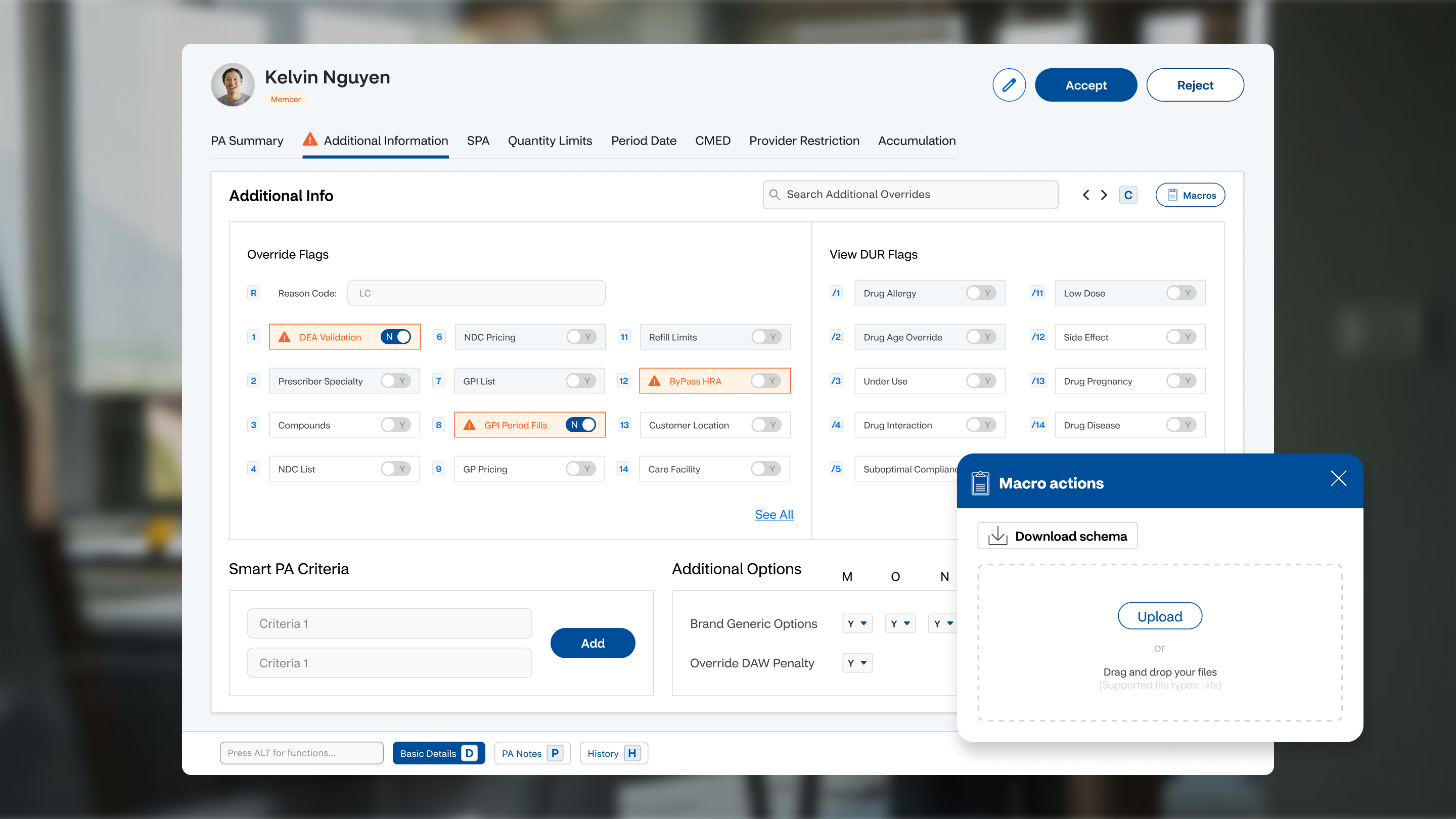
Streamlined flows that reduce friction and enhance navigation. By combining steps, elevating common actions through hierarchy, and improving wayfinding, we deliver a faster and more intuitive experience.

Additional Information with macro actions
Override flags & macro actions
Use Case 01

Prior Authorization, end to end

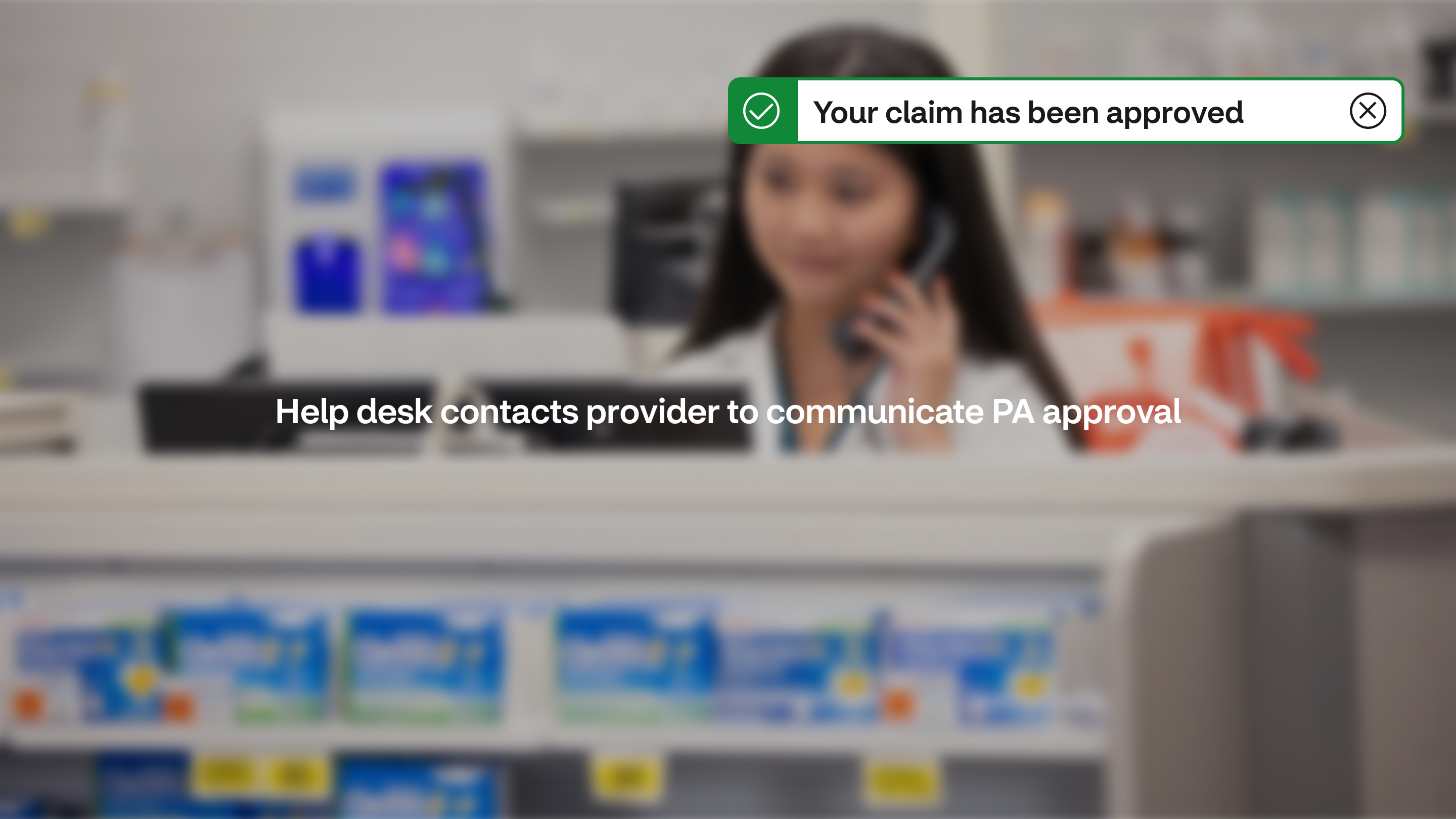
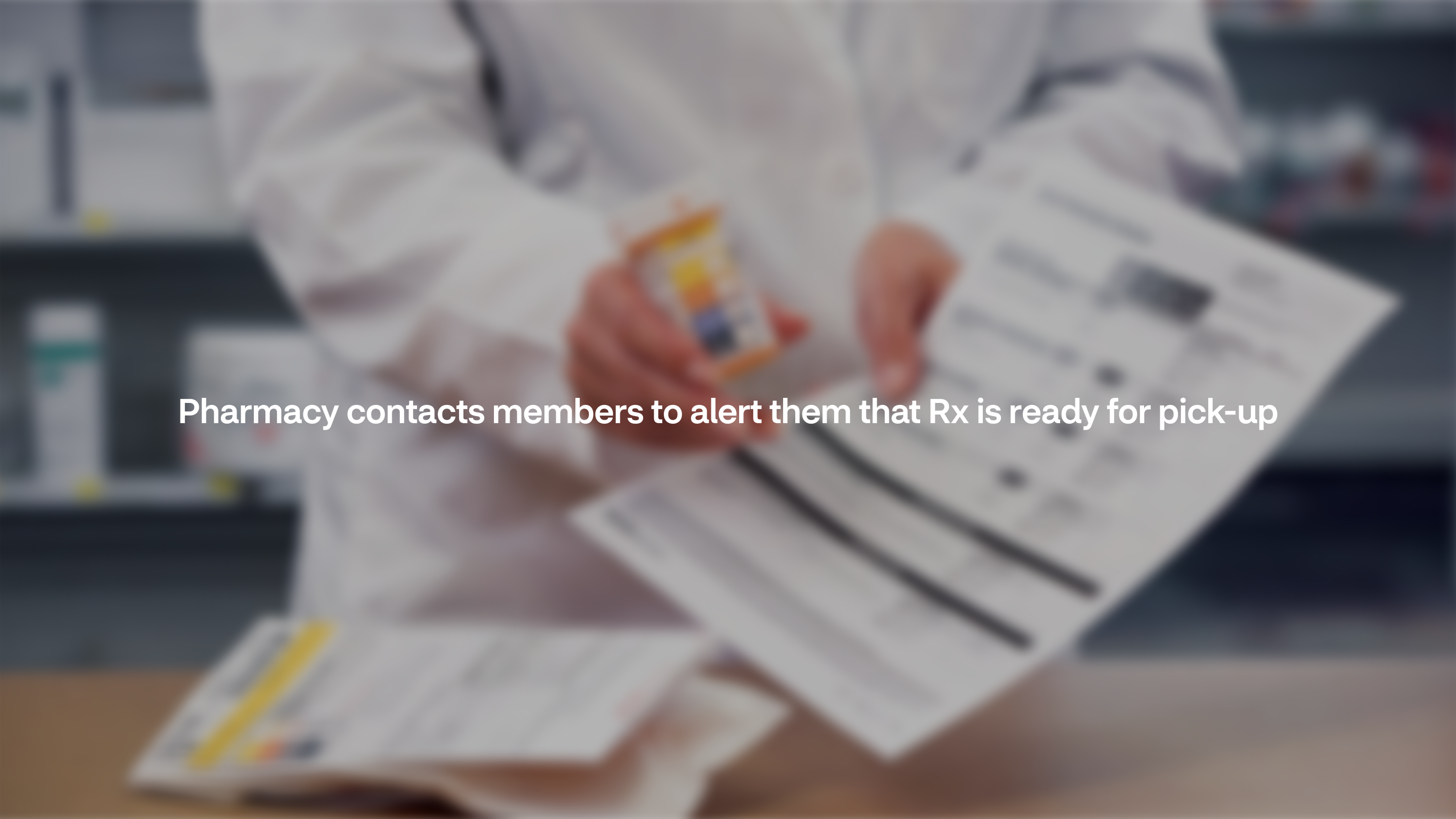
To pressure-test the vision, we walked a single prescription through the entire ecosystem: from the moment a claim bounces at the pharmacy counter to the moment the member picks up their medication. Nine steps, four roles, one connected experience.
Flow step 01
01
Flow step 02
02
Flow step 03
03
Flow step 04
04
Flow step 05
05
Flow step 06
06
Flow step 07
07
Flow step 08
08
Flow step 09
09
Flow step 10
10
Flow step 11
11
Flow step 12
12
Flow step 13
13
Flow step 14
14
Flow step 15
15
Inside the tool

Where the journey meets the screens

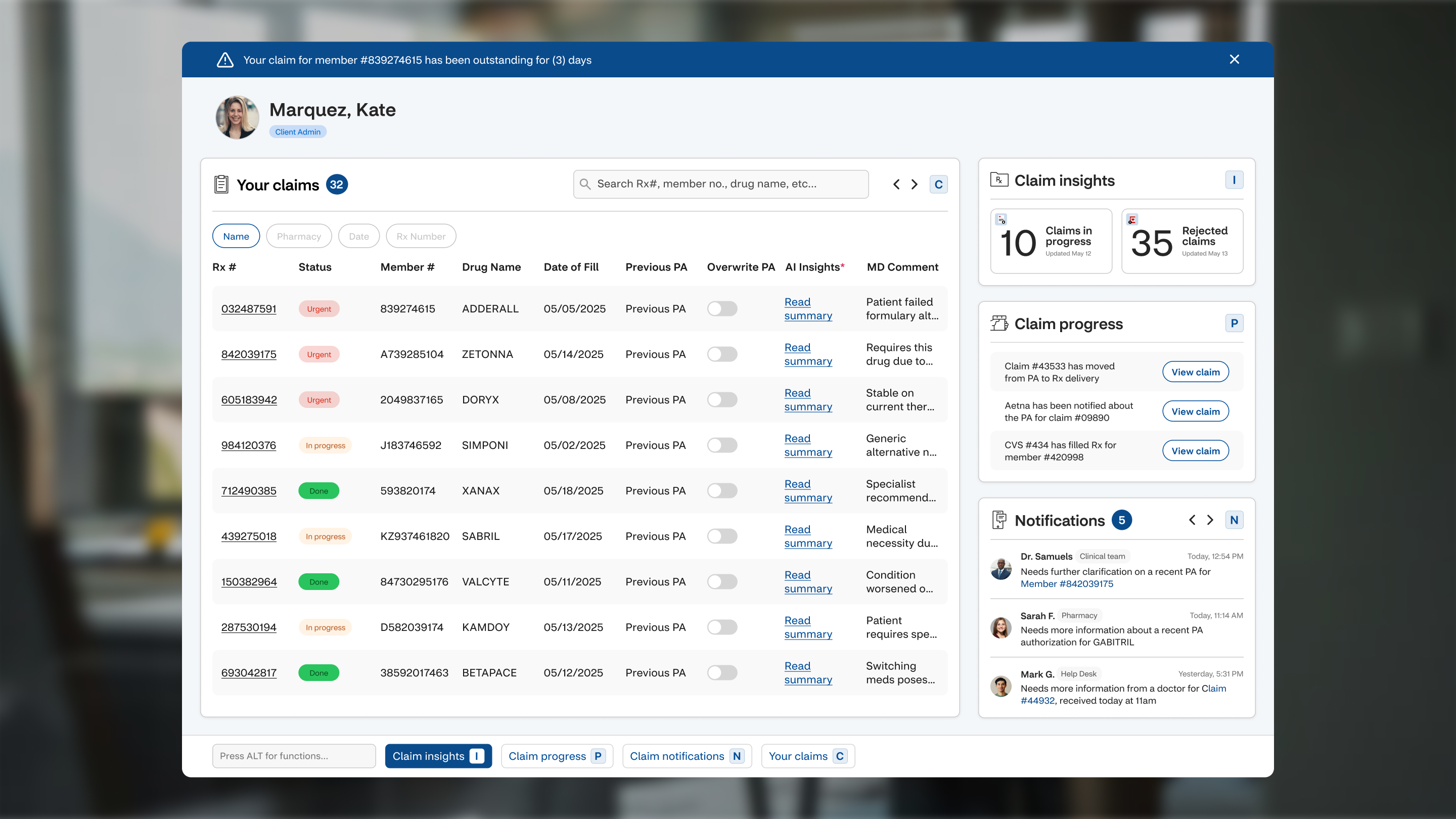
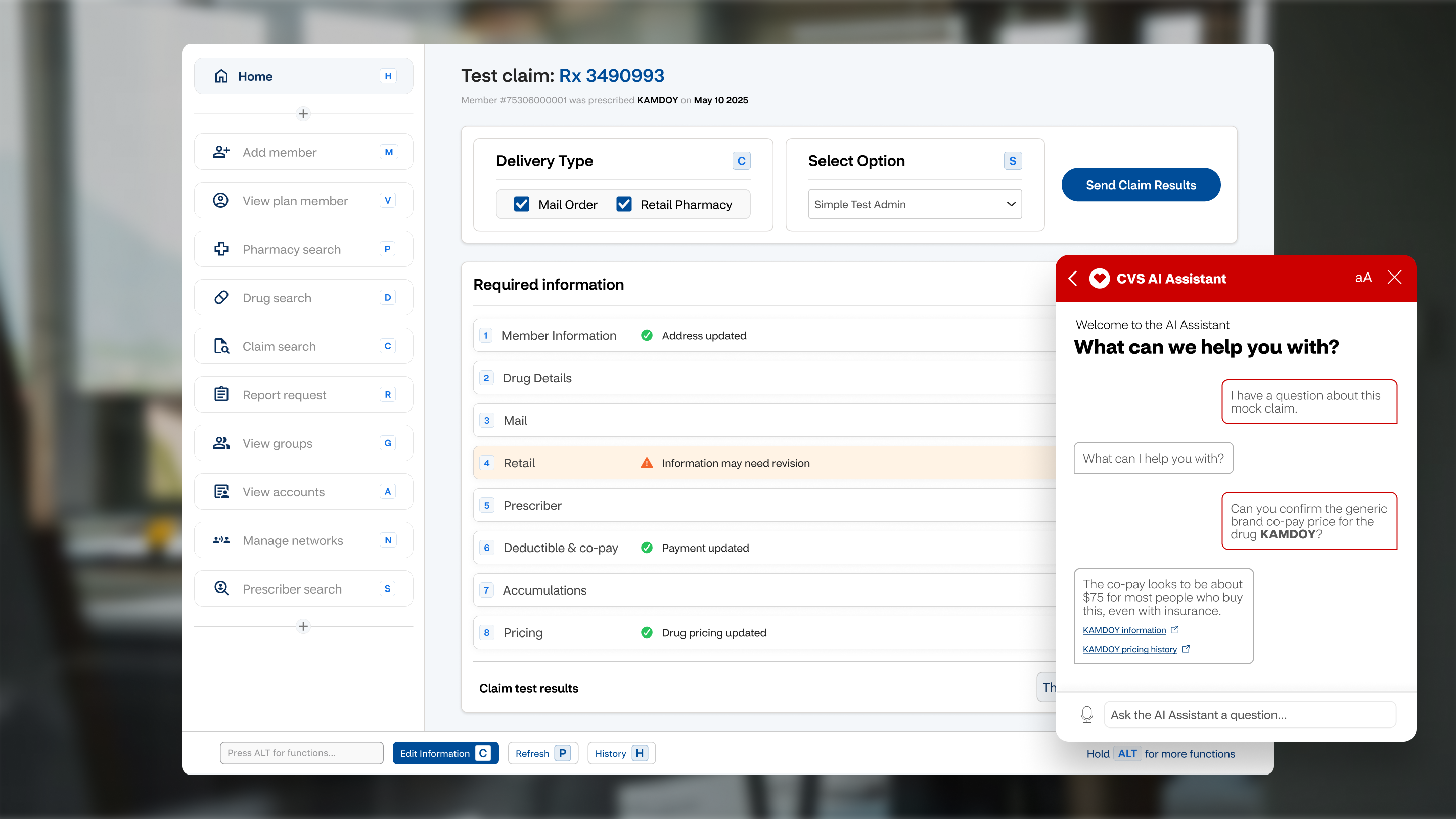
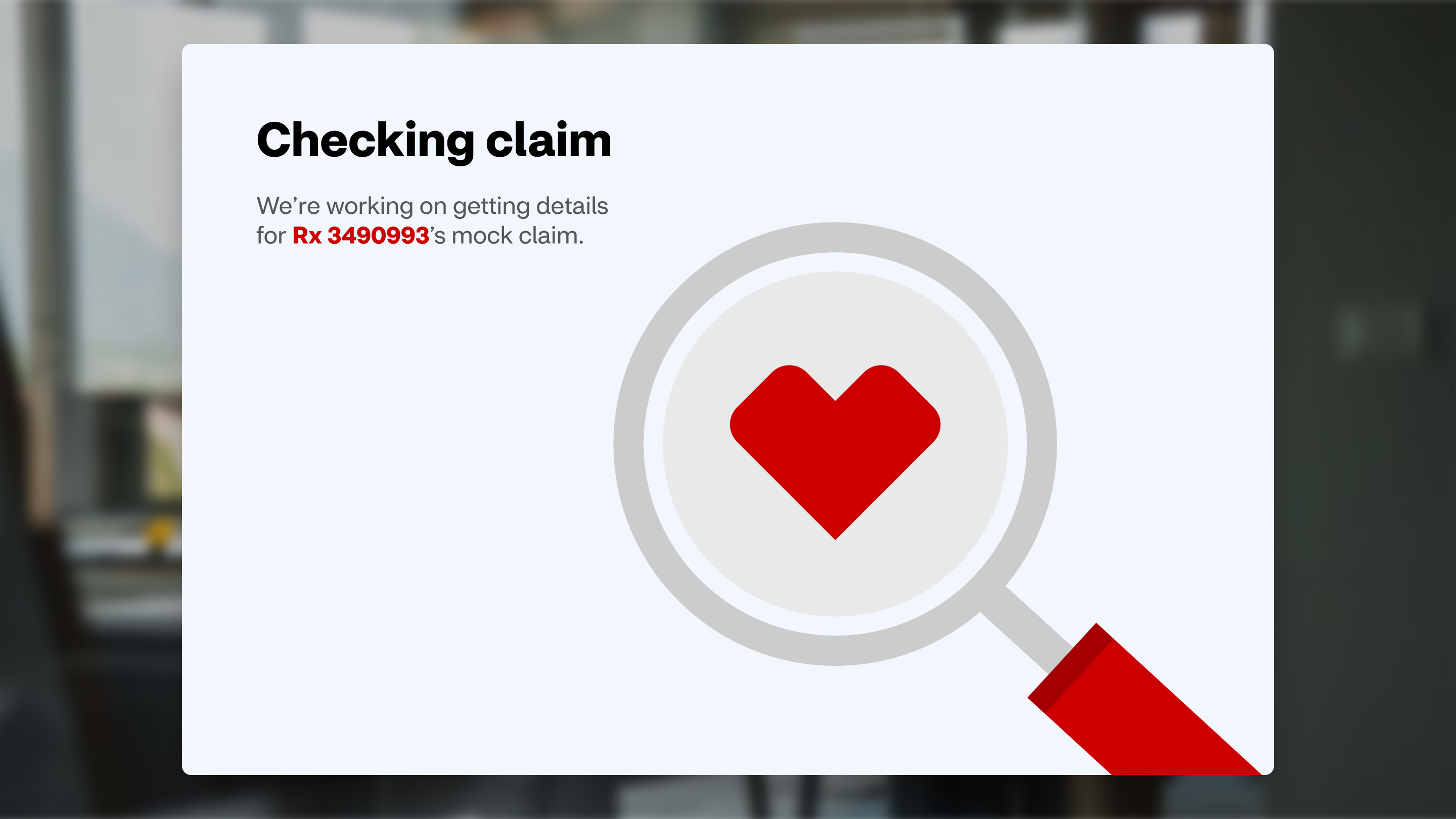
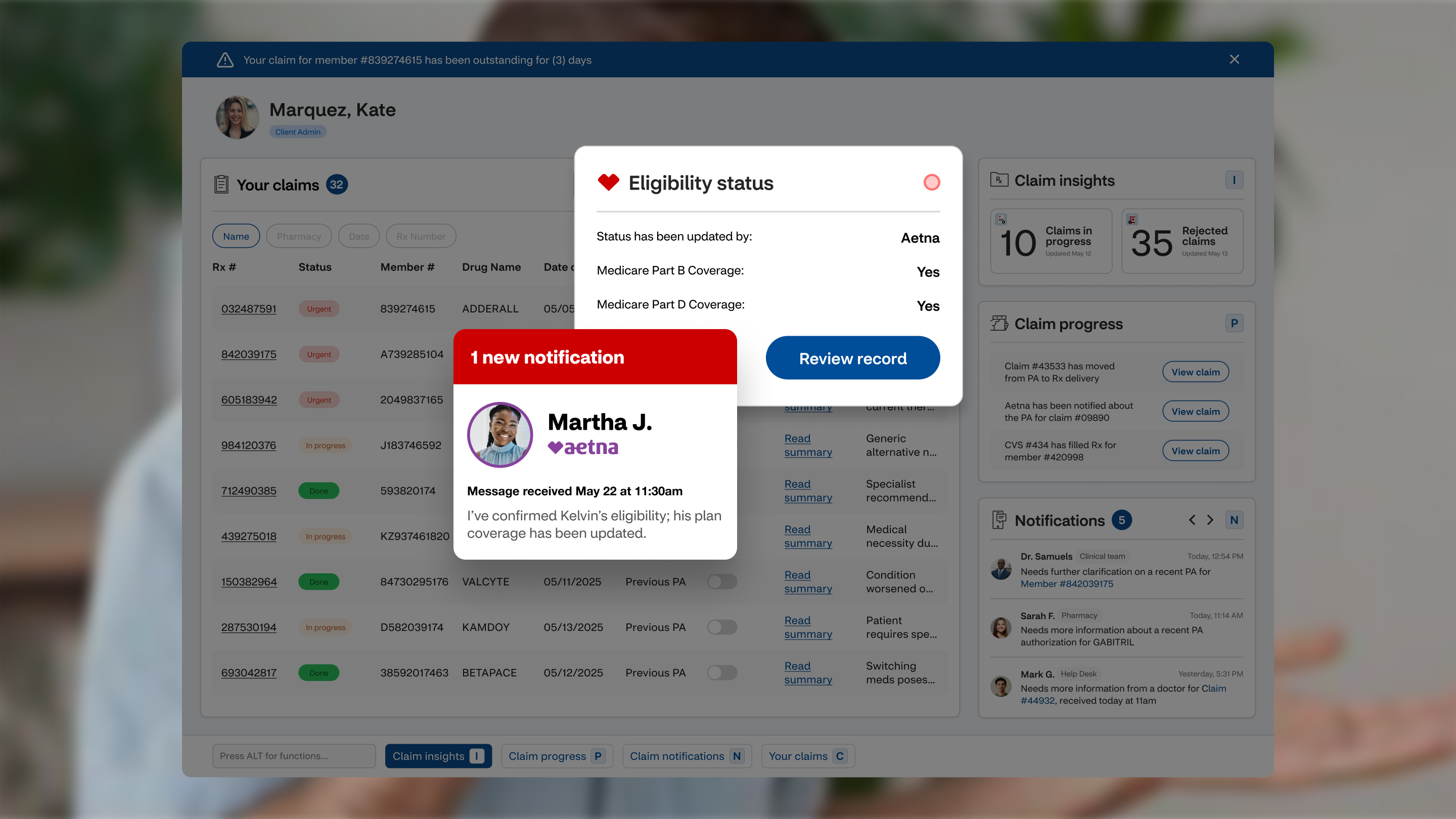
Steps four through six live inside the Client Admin’s workspace: a claims dashboard that surfaces urgent PAs with AI insights, a review flow that checks the claim, and the option to run a mock claim before anything reaches the member.

Client Admin claims dashboard
The Client Admin dashboard: claims, insights, progress & notifications
Checking claim state
Running the mock claim
Test claim with AI Assistant
Test claim results with the AI Assistant
Use Case 02

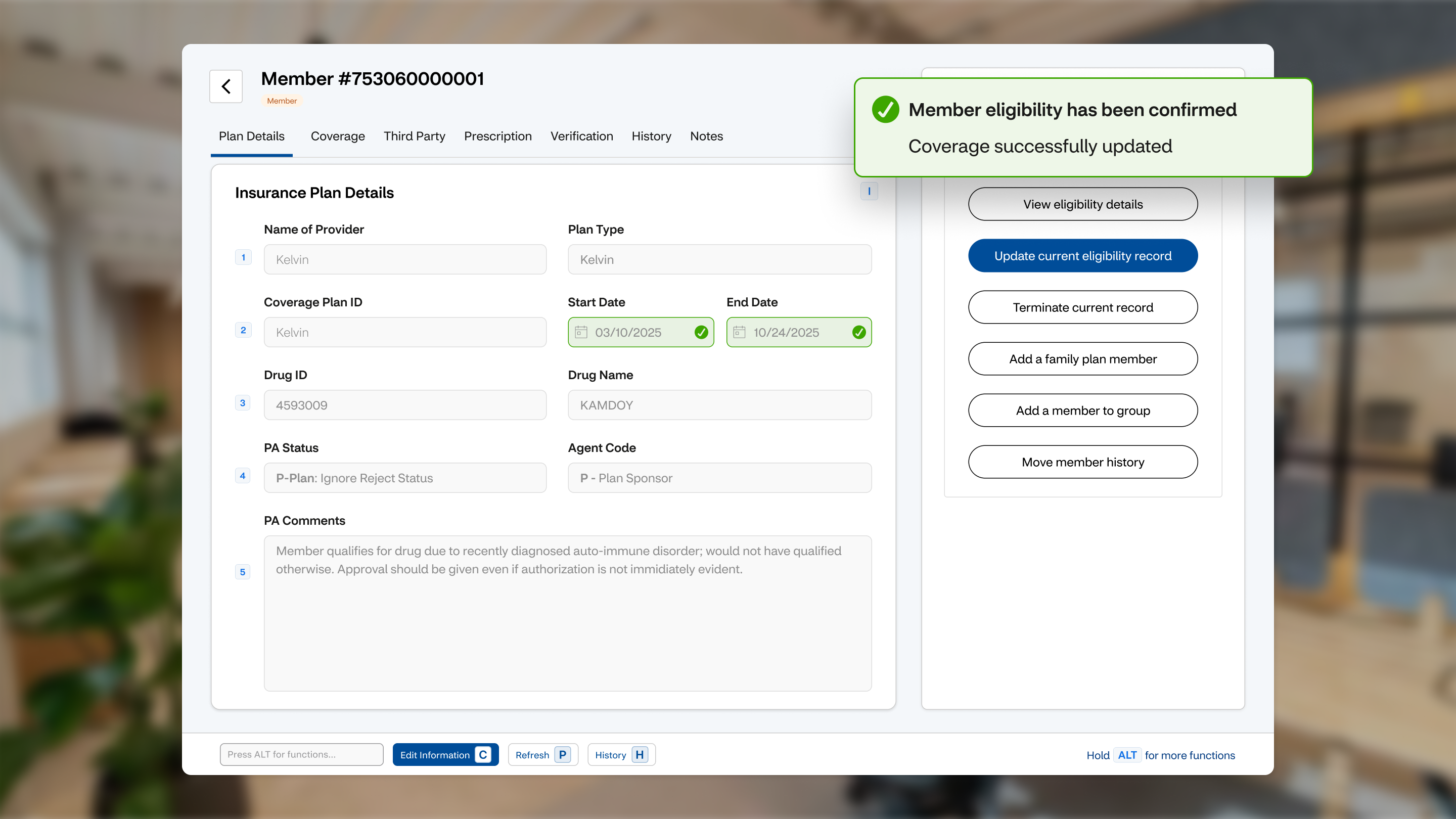
Member Eligibility

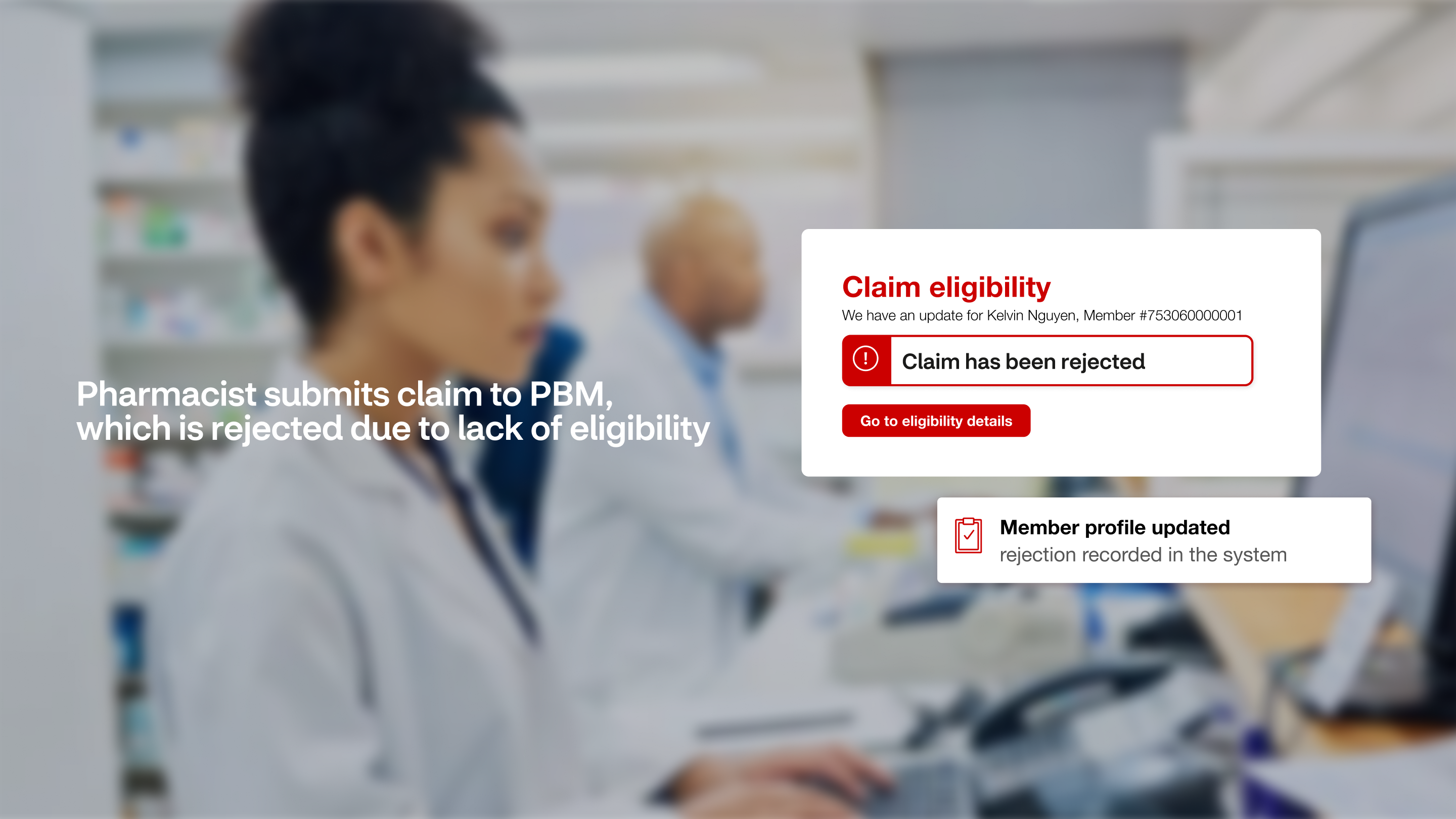
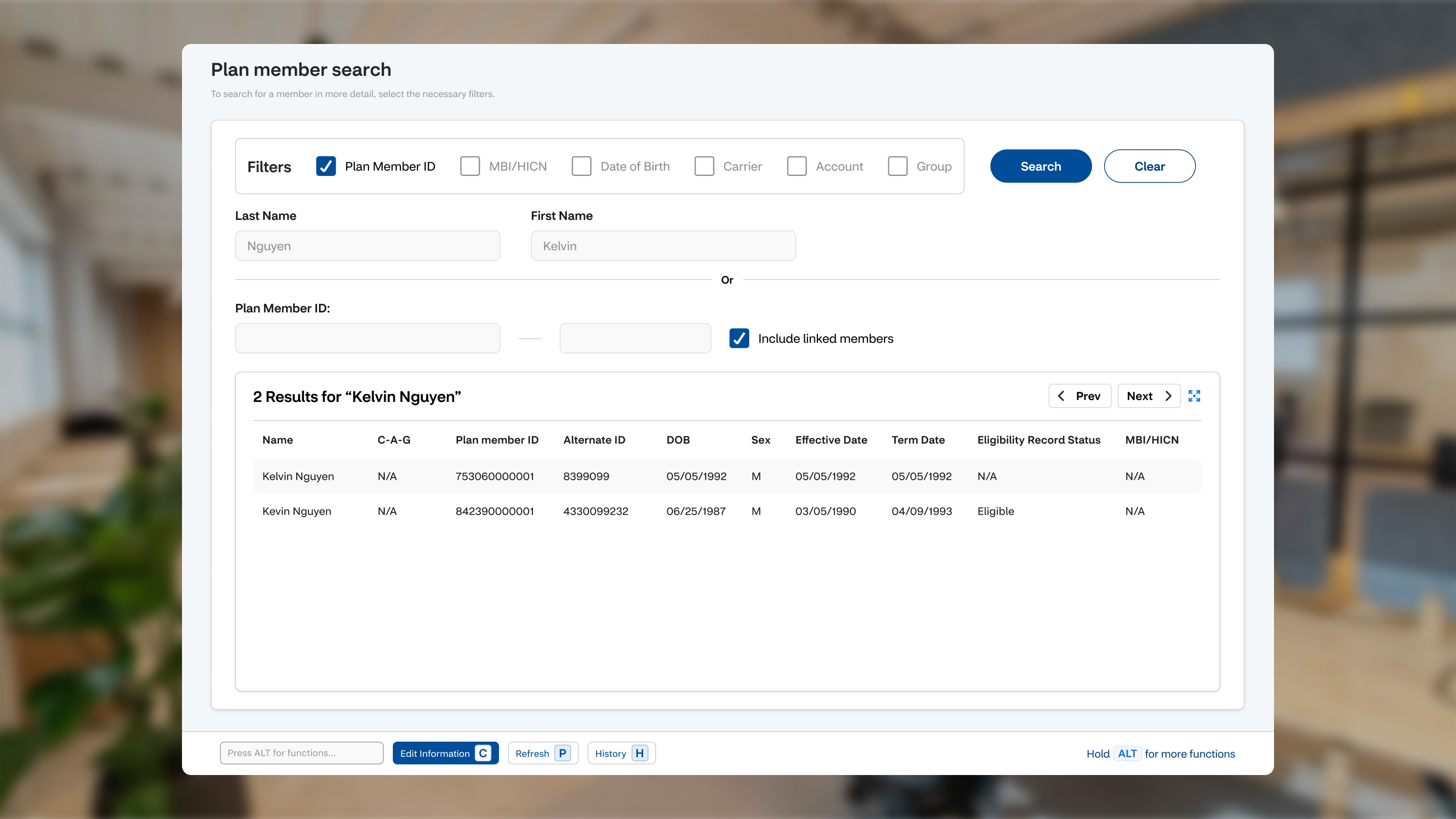
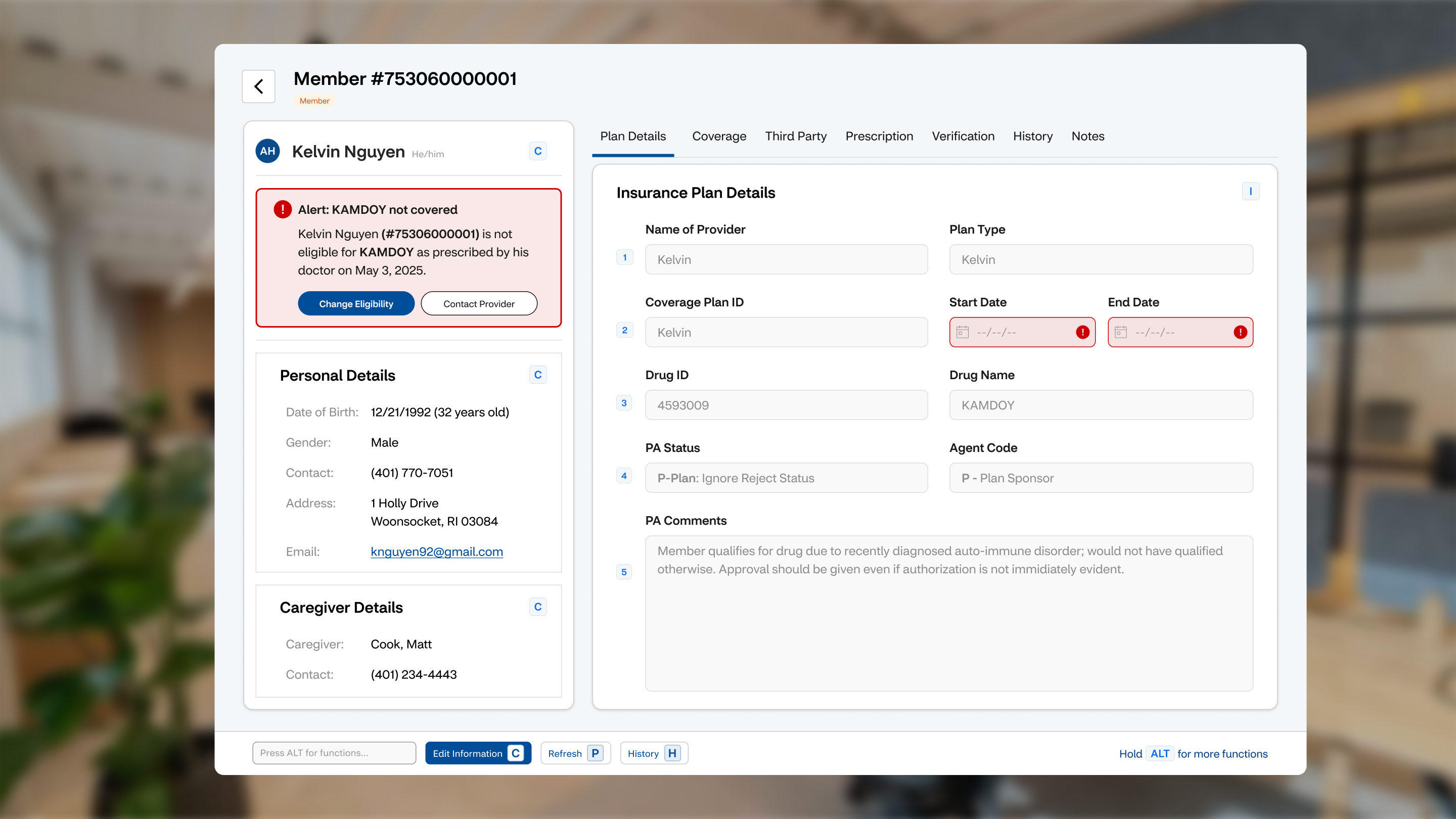
The second journey follows eligibility: how a member’s coverage is verified, corrected, and confirmed across the same connected ecosystem, step by step.

Flow step 01
01
Flow step 02
02
Flow step 03
03
Flow step 04
04
Flow step 05
05
Flow step 06
06
Flow step 07
07
Flow step 08
08
Flow step 09
09
Flow step 10
10
Flow step 11
11
Flow step 12
12
Flow step 13
13
Flow step 14
14
Flow step 15
15
The Story

The future of healthcare

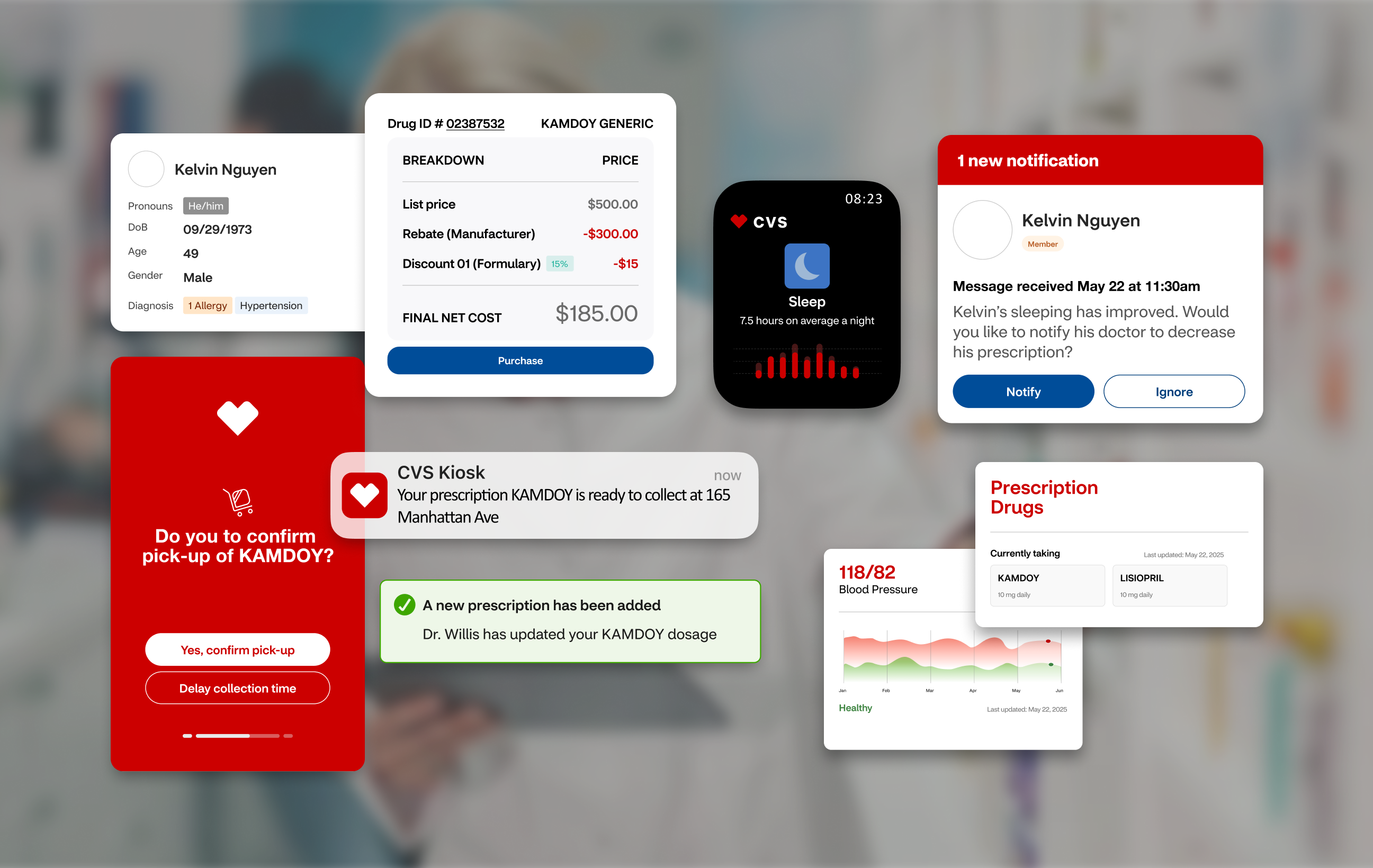
Two narrative films produced for the proposal, walking through the vision and the experience it enables. Sound on.

CVS Story 01
CVS Story 02
Next project Pearson →